
Unfortunately, many qualified applicants are rejected not because they are unfit for the role, but because their CVs are difficult for ATS software to read or do not contain the information the system is looking for.
You may have the perfect qualifications, years of relevant experience, and the skills an employer is looking for—but if your CV doesn't make it past an Applicant Tracking System (ATS), a recruiter may never even see it.
Today, the majority of medium and large organisations use ATS software to manage job applications. These systems help recruiters process hundreds or even thousands of CVs by automatically scanning, organising, and ranking candidates before a human reviews them.
Unfortunately, many qualified applicants are rejected not because they're unfit for the role, but because their CVs are difficult for ATS software to read or don't contain the information the system is looking for.
The good news is that avoiding ATS rejection isn't complicated. With the right structure, formatting, and content, you can significantly improve your chances of getting your CV in front of a recruiter.
In this guide, we'll explain how ATS systems work, why candidates get filtered out, and the practical steps you can take to ensure your CV passes the first hurdle.
What Is an Applicant Tracking System (ATS)?
An Applicant Tracking System is software that helps employers collect, organise, search, and rank job applications.
Rather than reading every CV manually, recruiters often rely on ATS software to:
Store applications
Search for relevant skills
Match keywords
Filter unsuitable candidates
Rank applicants
Track recruitment progress
ATS software does not decide whether you're a good employee.
It simply determines whether your CV appears relevant and readable enough for a recruiter to review.
Why ATS Rejects CVs
Many applicants assume ATS systems are highly intelligent.
In reality, most problems occur because the CV itself isn't optimised.
Common reasons include:
Missing keywords
Poor formatting
Non-standard section headings
Images containing important information
Graphics that cannot be read
Tables used incorrectly
Missing job titles
Generic CVs
Inconsistent dates
Unsupported file formats
Fortunately, nearly all of these issues can be corrected.
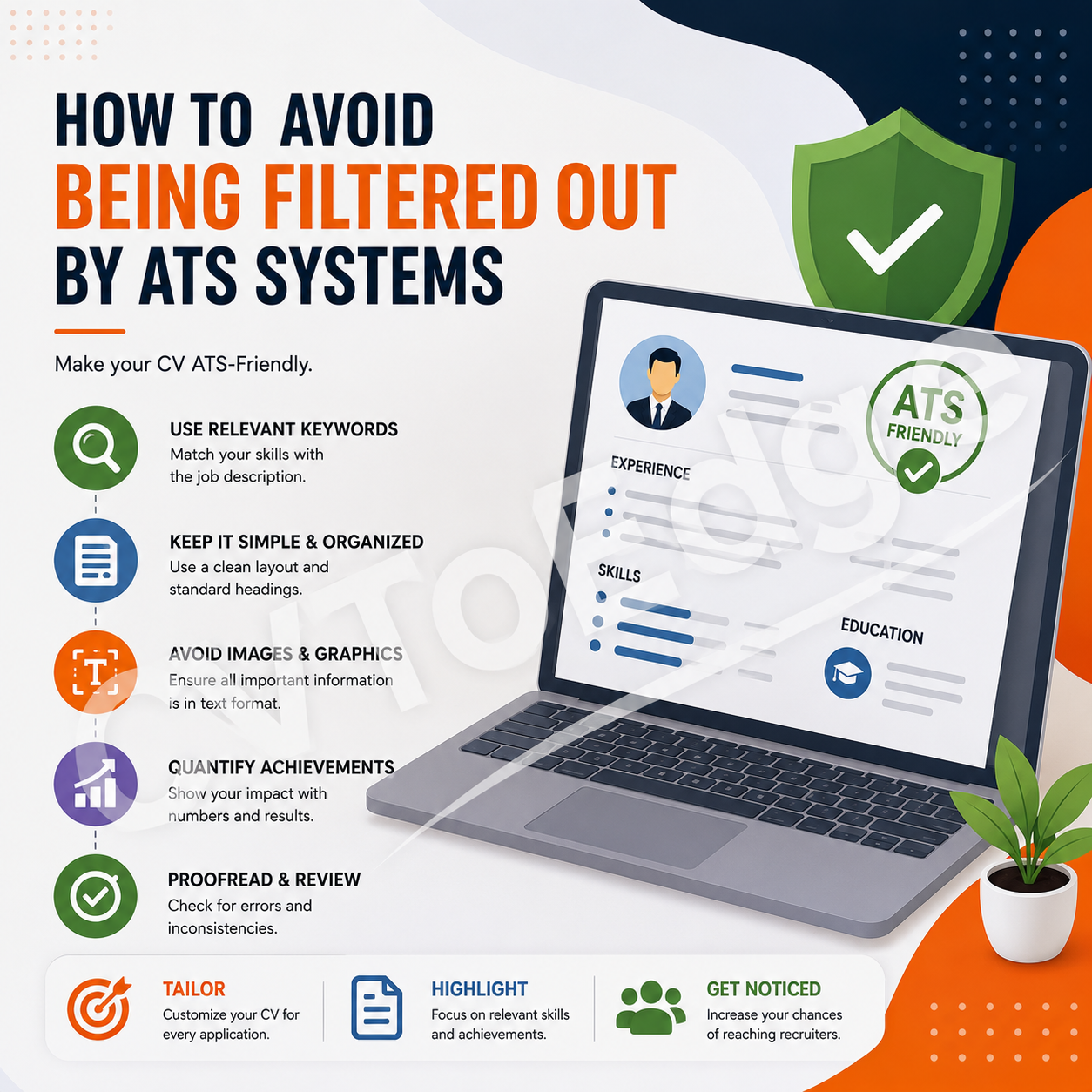
1. Tailor Your CV for Every Job
One of the biggest mistakes job seekers make is sending the same CV to every employer.
Every job description is different.
Recruiters often configure ATS software to search for particular skills, qualifications, certifications, software, and experience.
Before submitting your CV:
Read the job description carefully.
Highlight repeated keywords.
Identify required skills.
Note preferred qualifications.
Understand the employer's priorities.
Then naturally incorporate relevant terms into your CV where appropriate.
Remember:
Don't copy and paste the job description.
Instead, reflect the employer's language honestly when it accurately describes your experience.
2. Use Standard Section Headings
ATS software recognises common headings much more easily than creative alternatives.
Use headings such as:
Professional Summary
Work Experience
Education
Skills
Certifications
Projects
Languages
Awards
Avoid headings like:
My Journey
Career Adventure
What I Bring
Where I've Been
Why Choose Me
Clear headings improve both ATS readability and the recruiter's experience.
3. Include Relevant Keywords Naturally
Keywords remain one of the most important ATS ranking factors.
Recruiters often configure ATS software to search for specific:
Job titles
Technical skills
Programming languages
Certifications
Software tools
Industry terminology
Qualifications
For example, a software engineering role may include keywords such as:
Laravel
PHP
REST API
Docker
AWS
MySQL
Git
React
Microservices
If you genuinely possess these skills, ensure they appear naturally throughout your CV.
Never add keywords simply to "trick" the system.
Recruiters will verify them during interviews.
4. Choose a Simple, Professional Layout
ATS software prefers clean document structures.
Good formatting includes:
Single-column layout
Consistent spacing
Clear headings
Bullet points
Standard fonts
Logical organisation
Avoid:
Multiple columns
Complex tables
Text boxes
Decorative graphics
SmartArt
Background images
Excessive colours
Simple layouts improve readability for both ATS software and recruiters.
5. Avoid Placing Important Information Inside Images
Some candidates place contact details, skills, or achievements inside graphics.
Many ATS platforms cannot interpret this information correctly.
Critical information should always appear as editable text.
Your:
Name
Email
Phone number
Skills
Experience
Certifications
should all be standard text—not embedded in images.
6. Quantify Your Achievements
ATS software searches for keywords, but recruiters evaluate impact.
Whenever possible, include measurable achievements.
Instead of:
Managed customer service team.
Write:
Managed a team of 15 customer service representatives, reducing response times by 35% and improving customer satisfaction scores by 22%.
Numbers quickly communicate value.
7. Use Job Titles Recruiters Recognise
Creative internal job titles can confuse ATS software.
Suppose your employer called your role:
Digital Wizard
Instead, write:
Digital Marketing Specialist (Internal Title: Digital Wizard)
This preserves accuracy while improving searchability.
Recruiters search for recognised industry titles.
Your CV should help them find you.
8. List Skills Clearly
Create a dedicated skills section.
Example:
Technical Skills
Microsoft Excel
SQL
Power BI
Tableau
Python
Project Management
Agile Methodologies
Avoid hiding important skills within long paragraphs.
Dedicated sections improve ATS recognition.
9. Use a Professional File Format
Most employers accept:
PDF
Microsoft Word (.docx)
Always read the application instructions carefully.
If an employer requests Word format, don't submit a PDF.
Following instructions demonstrates professionalism.
10. Keep Dates Consistent
ATS software uses employment dates to calculate experience.
Examples:
Jan 2022 – Mar 2025
or
January 2022 – March 2025
Choose one format and use it consistently throughout your CV.
Consistency improves readability.
11. Don't Forget Soft Skills
Technical skills are important, but recruiters increasingly search for behavioural competencies as well.
Examples include:
Leadership
Communication
Problem-solving
Collaboration
Critical thinking
Adaptability
Time management
Where possible, demonstrate these skills through achievements rather than simply listing them.
12. Optimise Your Professional Summary
Your summary should immediately communicate your value.
Include:
Years of experience
Industry
Key skills
Major achievements
Career focus
Example:
Experienced Financial Analyst with over seven years of expertise in budgeting, forecasting, and financial reporting. Skilled in Power BI, advanced Excel, and data analysis, with a proven record of improving reporting accuracy and supporting strategic business decisions.
This helps both ATS software and recruiters quickly understand your profile.
13. Proofread Carefully
Spelling mistakes can affect keyword matching.
For example:
If the job description requests:
Project Management
but your CV says:
Project Managment
the ATS may not recognise it.
Always:
Check spelling.
Review grammar.
Verify dates.
Confirm company names.
Ensure consistency.
A polished CV reflects professionalism.
Common ATS Mistakes
Avoid these frequent errors:
Sending the Same CV Everywhere
Every application should be tailored.
Using Overly Creative Designs
Creative layouts often reduce ATS readability.
Keyword Stuffing
Adding excessive keywords without context makes your CV difficult to read and can reduce credibility.
Omitting Important Skills
Don't assume recruiters will infer your expertise.
Include relevant skills clearly.
Ignoring the Job Description
The job description is one of your best guides for understanding what the ATS may search for.
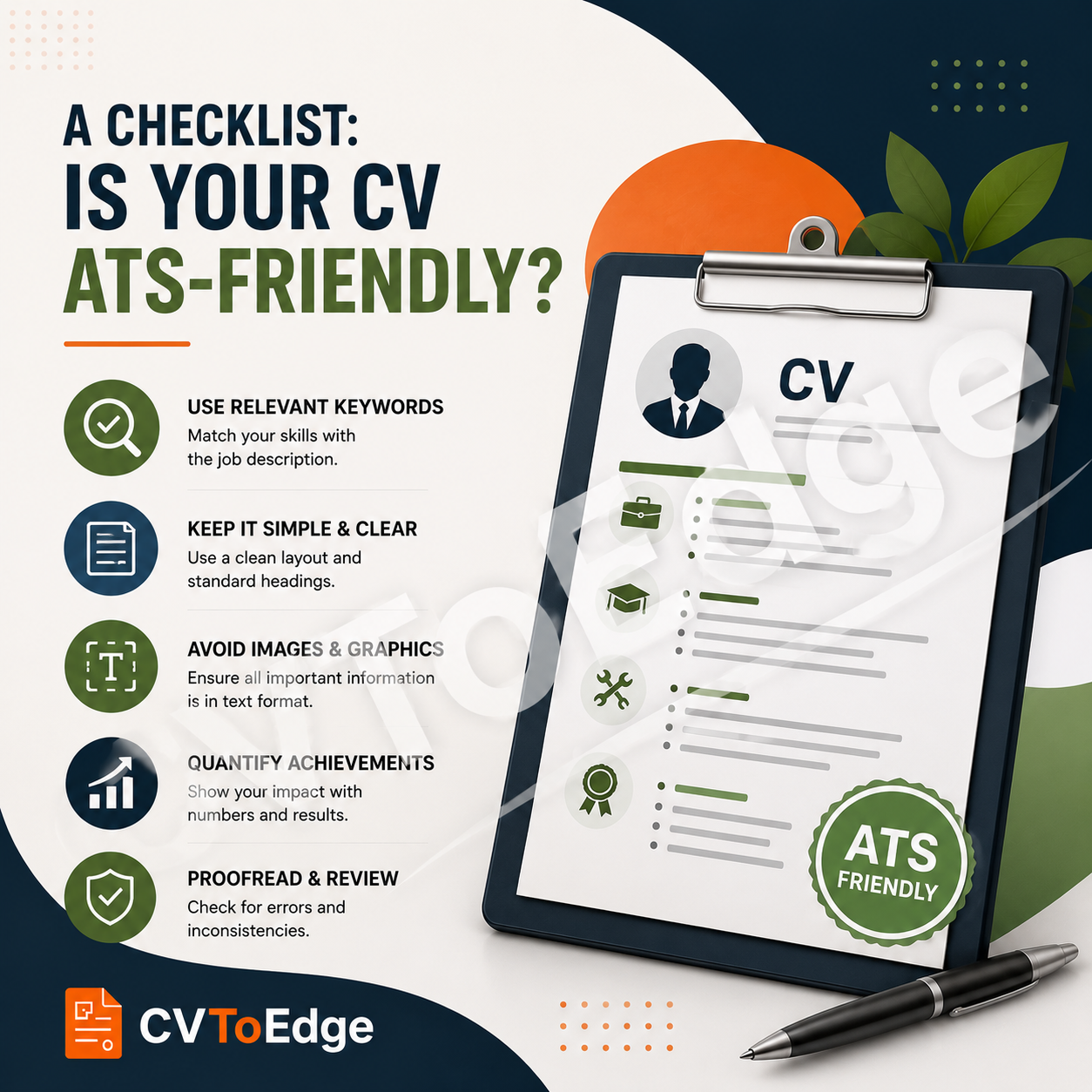
ATS-Friendly CV Checklist
Before submitting your application, ask yourself:
✔ Have I tailored my CV to the job?
✔ Are the most important keywords included naturally?
✔ Is my formatting clean and simple?
✔ Have I used standard section headings?
✔ Are my achievements quantified?
✔ Have I listed my technical skills clearly?
✔ Is my contact information readable?
✔ Have I proofread the document?
If you answered "yes" to each question, your CV is far more likely to pass ATS screening and reach a recruiter's desk.
Final Thoughts
Applicant Tracking Systems are designed to help recruiters manage large volumes of applications—not to prevent qualified candidates from getting hired. Understanding how these systems work allows you to present your experience in a way that's easy for both software and people to understand.
The most effective ATS-friendly CVs combine clean formatting, relevant keywords, measurable achievements, and clear communication. They are tailored to the role, easy to scan, and focused on demonstrating value rather than simply listing responsibilities.
Remember, your goal isn't to "beat" the ATS—it's to make it as easy as possible for recruiters to recognise that you're a strong match for the role.
If you're unsure whether your CV is ATS-friendly, CVToEdge can help. Our AI-powered platform analyses your CV for ATS compatibility, identifies missing keywords, evaluates formatting and structure, and provides practical recommendations to improve your chances of getting shortlisted for interviews. With CVToEdge, you can apply with confidence, knowing your CV is optimised for today's hiring systems. Register & Subscribe today.