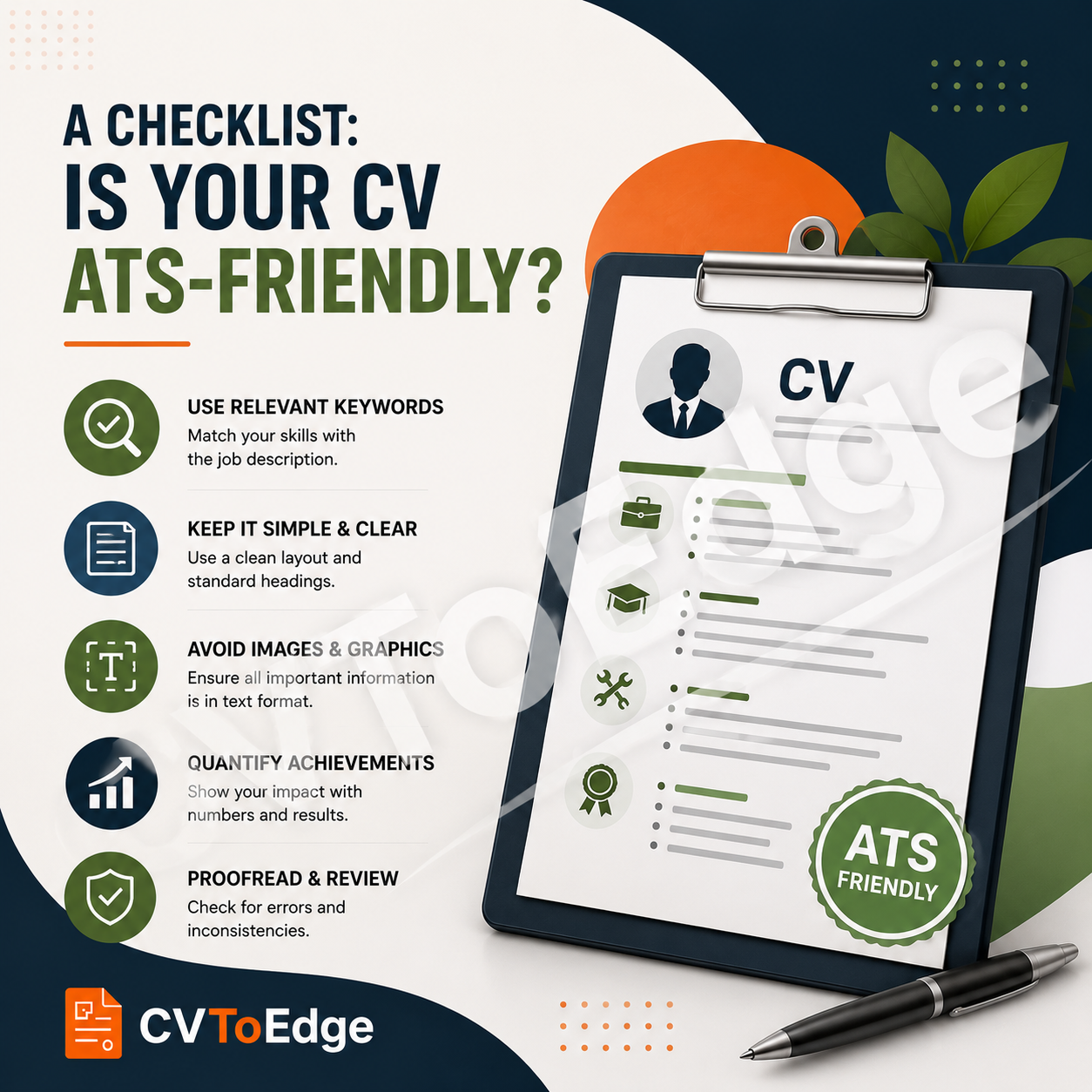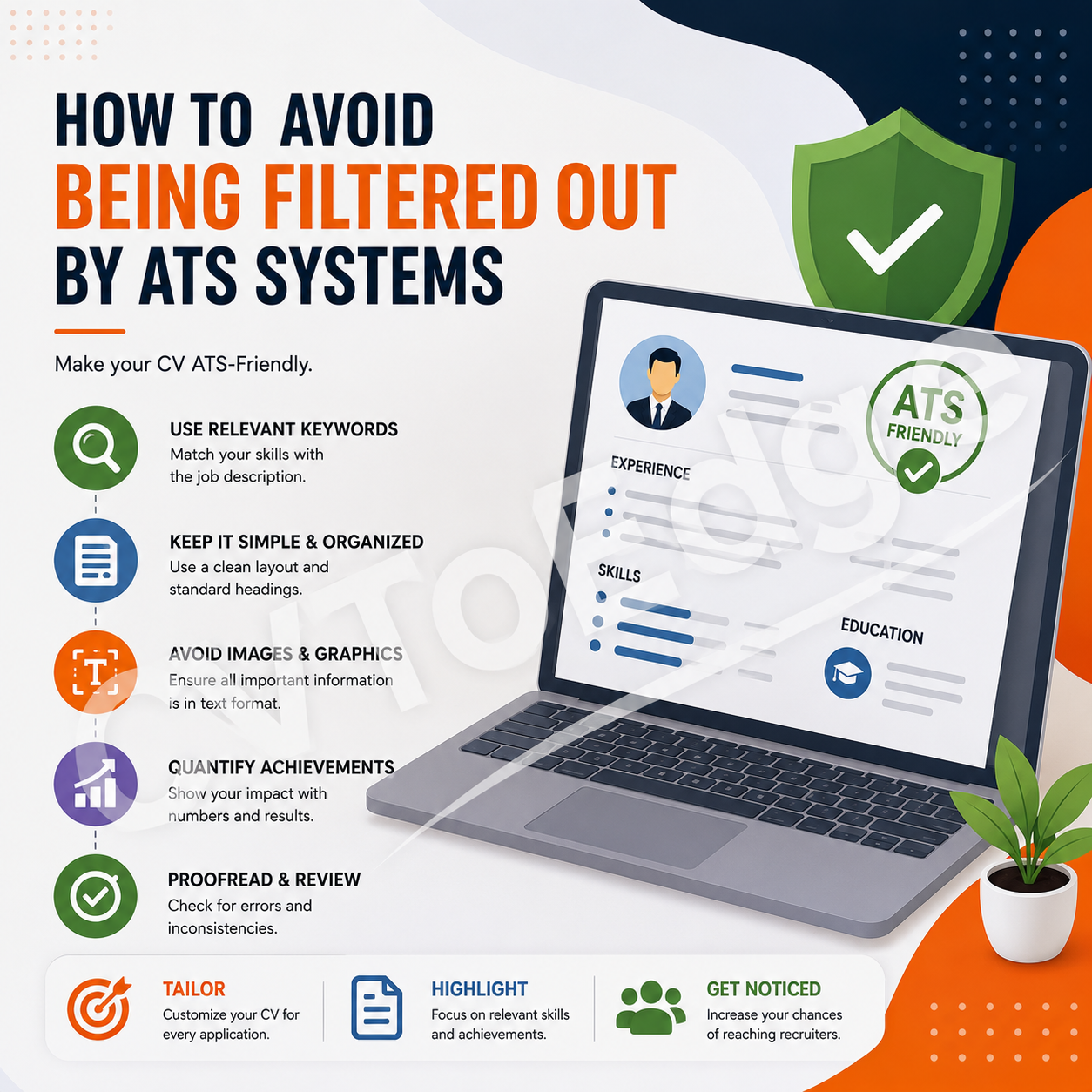

An ATS-friendly CV does not need to be boring or unattractive. It simply needs to prioritise clear structure, relevant content, readable formatting, and appropriate keywords.
You may have the right experience, qualifications, and skills for your dream job, but there's one important question to answer before you submit your application:
Can an Applicant Tracking System (ATS) actually read and understand your CV?
Many employers use ATS software to collect, organise, search, and filter job applications. When hundreds of candidates apply for one position, recruiters rely on these systems to help identify applicants whose qualifications and experience match the requirements of the role.
This means that creating a strong CV isn't only about impressing a recruiter. Your CV also needs to be structured in a way that allows recruitment software to process its content accurately.
An ATS-friendly CV doesn't need to be boring or unattractive. It simply needs to prioritise clear structure, relevant content, readable formatting, and appropriate keywords.
Use the checklist below to determine whether your CV is ready for today's recruitment systems.
What Does "ATS-Friendly" Mean?
An ATS-friendly CV is a document that can be successfully parsed, understood, and searched by applicant tracking software.
The system should be able to identify important information such as:
Your name and contact details
Professional experience
Job titles
Employers
Employment dates
Education
Skills
Certifications
Relevant keywords
A CV can look impressive to a human while still creating problems for an ATS if important information is hidden inside graphics, tables, text boxes, or complicated layouts.
The goal is therefore to make your CV easy for both software and humans to understand.
The ATS-Friendly CV Checklist
1. Is Your CV Tailored to the Job?
A generic CV may contain your complete career history, but it may not contain the specific language an employer is searching for.
Before applying, carefully read the job description and identify:
Required skills
Preferred skills
Qualifications
Certifications
Software and tools
Industry terminology
Job-specific responsibilities
Then make sure your CV accurately reflects the relevant qualifications and experience you actually possess.
I have tailored my CV to the specific job.
I have identified the most important requirements in the job description.
My CV clearly demonstrates how my experience matches those requirements.
2. Are Your Keywords Relevant?
Keywords are an important part of ATS screening.
For example, if a job description repeatedly mentions project management, Agile, Scrum, stakeholder management, Jira, and risk management, candidates with relevant experience should naturally use those terms in their CV.
Don't simply create a long list of keywords.
Instead, incorporate them naturally into your:
Professional summary
Work experience
Skills section
Projects
Certifications
I have included relevant keywords from the job description.
The keywords accurately represent my actual skills and experience.
I have avoided excessive or unnatural keyword repetition.
3. Are You Using Standard CV Sections?
ATS software generally performs better when information is organised under familiar headings.
Use conventional headings such as:
Professional Summary
Work Experience
Education
Skills
Certifications
Projects
Awards
Languages
Avoid overly creative headings that could make the purpose of a section unclear.
For example, instead of:
"My Professional Journey"
use:
"Work Experience"
My sections have clear, conventional headings.
My employment history is under "Work Experience" or a similar standard heading.
My skills are clearly identified in a dedicated section.
4. Is Your Layout Simple and Readable?
An ATS-friendly CV should have a logical structure.
A clean single-column layout is generally the safest choice, particularly when applying through online recruitment portals.
Be cautious with:
Multiple columns
Complex tables
Text boxes
Floating elements
Decorative shapes
Heavy graphics
Unusual page structures
A simple layout also makes your CV easier for recruiters to scan quickly.
My CV has a clear visual hierarchy.
Important information is easy to locate.
I have avoided unnecessarily complicated layouts.
5. Have You Avoided Putting Important Information in Images?
Never rely on images to communicate critical information.
For example, don't put your:
Skills
Contact information
Job titles
Certifications
Achievements
inside an image or graphic.
Some ATS systems may not accurately extract text from visual elements.
All important information exists as selectable text.
My contact details are not embedded in graphics.
My skills and qualifications are not represented only by icons.
6. Are Your Contact Details Easy to Find?
Your name, phone number, email address, and relevant professional links should be immediately visible.
A simple format works well:
John Doe
Lagos, Nigeria
john@example.com | +234 XXX XXX XXXX
linkedin.com/in/johndoe | johndoe.com
Avoid making recruiters search for your contact information.
My full name is clearly displayed.
My email address is professional.
My phone number is easy to find.
My LinkedIn or portfolio URL is included where relevant.
7. Are Your Job Titles Clear?
Your job titles help ATS systems and recruiters understand your professional experience.
Use recognised industry terminology where it accurately describes your role.
For example:
Software Engineer
ABC Technologies | 2023–Present
is generally clearer than:
Code Ninja
ABC Technologies | 2023–Present
If your official internal title is unusual, you can clarify it while remaining truthful.
My job titles are clear and industry-recognisable.
My employment dates are easy to identify.
My experience is presented in reverse chronological order.
8. Are Your Achievements Quantified?
ATS compatibility gets your CV noticed, but strong achievements help convince recruiters that you're worth interviewing.
Compare:
Responsible for improving website performance.
with:
Improved website performance by reducing average page load time by 42%.
Whenever possible, quantify:
Revenue generated
Costs reduced
Time saved
Customers acquired
Processes improved
Projects delivered
Team size
Performance improvements
Efficiency gains
My CV focuses on achievements rather than only responsibilities.
I have included measurable results where possible.
My achievements demonstrate the value I created.
9. Are Your Skills Clearly Listed?
Don't make recruiters search through several paragraphs to discover your capabilities.
Create a dedicated skills section.
For example:
Technical Skills
Laravel
PHP
React
JavaScript
MySQL
PostgreSQL
AWS
Docker
Git
Only include skills you genuinely possess and that are relevant to the position.
I have a dedicated skills section.
Relevant technical and professional skills are clearly listed.
I have removed irrelevant or outdated skills.
10. Is Your Education Clearly Structured?
Use a conventional format:
Bachelor of Science in Computer Science
University Name | 2018–2022
For experienced professionals, your work experience will usually deserve more emphasis than older educational details.
My degree and institution are clearly identified.
Dates are consistently formatted.
Relevant qualifications are easy to find.
11. Are Your Certifications Visible?
If a certification is relevant to the position, don't hide it.
Create a dedicated section such as:
Certifications
AWS Certified Solutions Architect – Associate
Project Management Professional (PMP)
Google Data Analytics Professional Certificate
Use the official certification name where possible.
Relevant certifications are clearly listed.
Certification names are accurate.
Expired certifications have been removed or clearly identified where appropriate.
12. Are Your Dates Consistent?
Inconsistent dates can make your CV difficult to interpret.
Choose one format and use it throughout.
For example:
January 2023 – Present
or:
Jan 2023 – Present
Don't alternate between several formats unnecessarily.
Employment dates follow one consistent format.
Education dates use the same general formatting approach.
There are no unexplained inconsistencies.
13. Have You Used Readable Fonts?
Your CV doesn't need elaborate typography.
Prioritise readability.
Use professional, easy-to-read fonts and maintain a clear distinction between:
Your name
Section headings
Job titles
Body text
Avoid extremely decorative fonts that may be difficult for software or humans to interpret.
My font is professional and readable.
Font sizes are consistent.
Headings are clearly distinguishable from body text.
14. Have You Avoided Excessive Design Elements?
A visually attractive CV is not automatically an ATS-friendly CV.
Be cautious with:
Large graphics
Infographics
Skill bars
Star ratings
Progress charts
Decorative icons
Background images
For example, this:
PHP: ★★★★★
is less useful than:
PHP: Advanced
A recruiter needs meaningful information, not merely visual decoration.
My design supports readability.
I have avoided unnecessary graphics.
My skills are represented using text rather than visual ratings.
15. Is Your File Format Appropriate?
Always follow the employer's instructions.
Commonly requested formats include:
PDF
DOCX
If the employer specifically requests a Word document, submit a Word document.
If PDF is accepted, make sure the PDF contains selectable text rather than simply being a scanned image.
I have followed the employer's file-format instructions.
My document contains selectable text.
The filename is professional and descriptive.
For example:
John_Doe_Software_Engineer_CV.pdf
is better than:
CV_Final_Final2_New.pdf
16. Have You Removed Unnecessary Information?
An ATS-friendly CV isn't about including everything you've ever done.
Prioritise information relevant to your target role.
Consider removing:
Outdated skills
Irrelevant jobs
Excessive personal information
Generic statements
Repetitive responsibilities
Unnecessary references
More information doesn't necessarily make a CV stronger.
Relevance is more valuable than volume.
Every major section contributes to my application.
Irrelevant information has been removed.
My CV focuses on the role I'm applying for.
17. Have You Proofread Your CV?
A simple spelling mistake can affect both professionalism and keyword matching.
For example:
JavaScript
shouldn't accidentally become:
Java Script
when the job description specifically uses "JavaScript."
Check:
Spelling
Grammar
Job titles
Company names
Dates
Email address
Phone number
Certification names
I have checked my spelling and grammar.
I have verified dates and company names.
I have checked all contact information.
18. Have You Tested Your CV?
Before sending your CV to an employer, consider testing how it performs against the job description.
Look for:
Missing keywords
Skills gaps
Formatting problems
Unclear sections
Irrelevant content
Weak achievements
An ATS check should be treated as a quality-control step—not a guarantee of an interview.
I have reviewed my CV against the job description.
I have checked for missing relevant keywords.
I have reviewed the document from a recruiter's perspective.
Your Quick ATS-Friendly CV Scorecard
Give yourself one point for every item you can confidently check.
15–18 points: Your CV is likely well prepared for ATS screening.
10–14 points: Your CV has a solid foundation but could benefit from optimisation.
Below 10 points: Your CV may need significant improvements before you submit it.
This isn't an actual ATS score. It's simply a practical self-assessment tool.
The Most Important Rule: Optimise for Humans Too
It's easy to become obsessed with ATS keywords and forget who ultimately makes the hiring decision.
A recruiter is still a human being.
Your CV needs to communicate:
What you do
What you're good at
What you've achieved
How your experience relates to the job
Why you're worth interviewing
Don't sacrifice clarity just to include keywords.
The best CV is one that works for both the ATS and the recruiter.
Final ATS-Friendly CV Checklist
Before clicking Submit, run through this final checklist:
My CV is tailored to the specific job.
Relevant keywords are included naturally.
Standard section headings are used.
My layout is clean and readable.
Important information is text-based.
My contact details are easy to find.
Job titles and dates are clear.
My achievements include measurable results.
Relevant skills are clearly listed.
My education is properly structured.
Relevant certifications are visible.
Dates and formatting are consistent.
My fonts are professional and readable.
I have avoided unnecessary graphics.
I have followed the employer's file-format requirements.
Irrelevant information has been removed.
I have proofread the entire document.
I have reviewed my CV against the job description.
Final Thoughts
An ATS-friendly CV isn't about trying to trick recruitment software. It's about making your professional experience clear, relevant, searchable, and easy to understand.
Start with the job description, identify the skills and qualifications the employer needs, and then present your genuine experience using a clean structure and relevant terminology.
Remember that passing an ATS is only the first step. Once your CV reaches a recruiter, the quality of your experience, achievements, skills, and professional story determines whether you progress to the next stage.
If you want a faster way to evaluate and improve your CV, CVToEdge can help. Its AI-powered CV tools analyse your CV for ATS compatibility, keywords, structure, formatting, and overall effectiveness, giving you practical recommendations to improve your application before you submit it.
Make your CV easier for ATS systems to read and easier for recruiters to choose. Register & Subscribe today.